
Fix My Speaker
Use Fix My Speaker to test your sound, check speaker clarity and bass, and adjust the level safely on both iOS and Android.
Speaker test
Fix My Speaker: An Easy Guide That Really Works
Have you ever played a song or answered a call, only to hear weak, muffled, or distorted sound? Dust, moisture, and everyday dirt are often the cause, and the problem can sometimes be fixed within minutes.
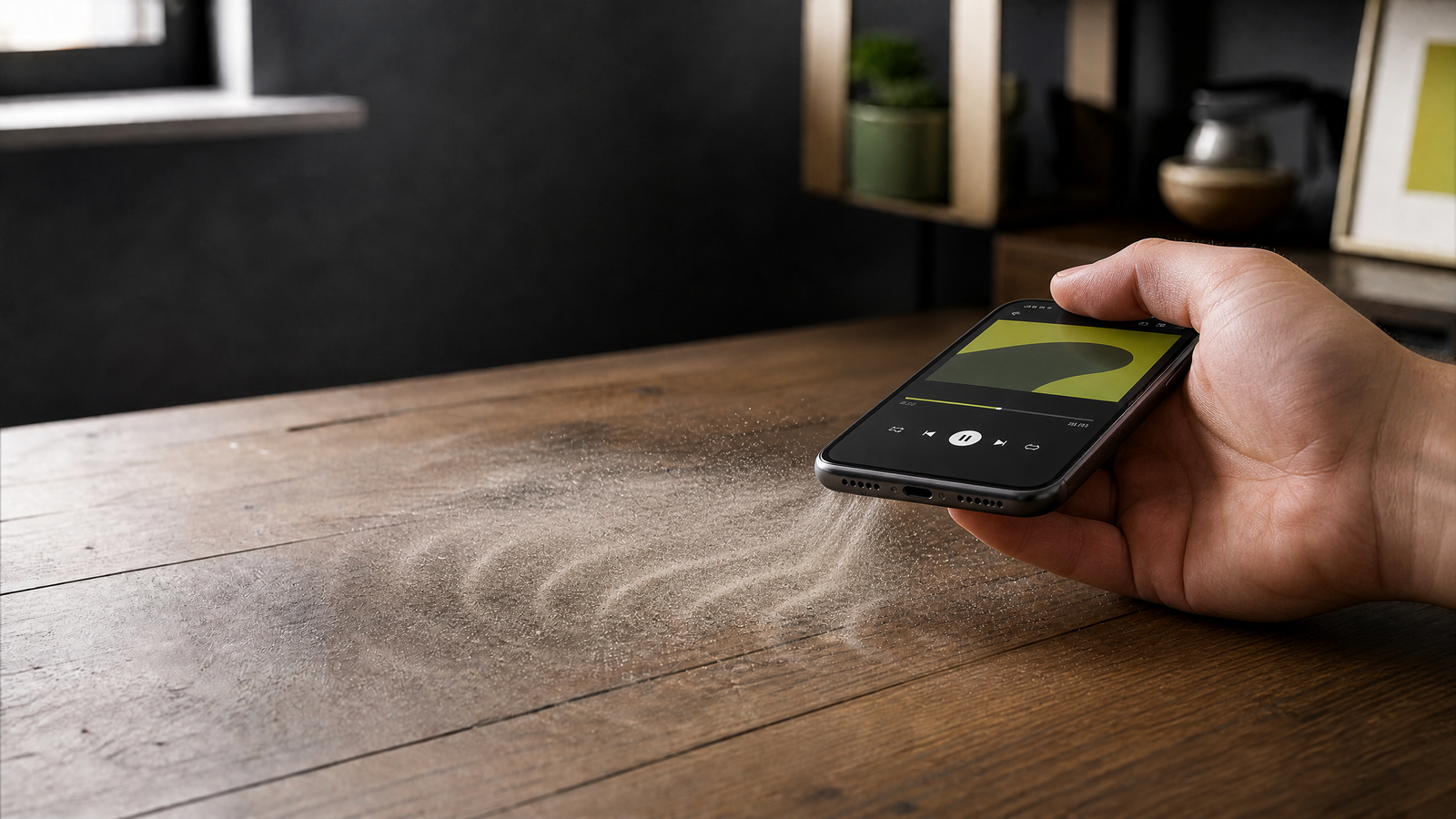
If your phone speaker sounds quiet or muffled, it may not be damaged. Dust, moisture, or dirt can block the small openings and affect the sound. Cleaning and drying the speaker can often improve it.
Here are a few practical steps you can try before taking your phone to a repair shop.
Why Does My Speaker Sound Bad?
Before you think about repair shops, let’s understand the real reason. Phone speakers are small parts hidden behind tiny holes. These small holes catch dust, pocket lint, sweat, water, and even oil from your face during calls. Over time, this dirt blocks the sound and makes it sound low or muffled.
This is a common problem, and in many cases it can be handled at home with a little care.
Common Speaker Problems and Their Real Reason
Dust and Dirt Stuck Inside
Dust can settle in the tiny openings and block the sound. The speaker may still be working normally, but it will sound quieter or less clear.
Water Stuck Inside the Speaker
Rain, spills, or sweat can leave moisture inside the speaker. This often creates a bubbling sound or makes one side seem silent. Let the phone dry properly before testing it again.
Low Sound / Low Volume
A small blockage can reduce the volume even when the speaker itself is still working. Check the volume settings first, then inspect the speaker opening for visible dirt.
Weak Bass
Muffled openings can also make music sound flat and reduce the bass. Cleaning the outside of the speaker may bring back some of the detail.
Call Speaker, Ear Speaker & Upper Speaker
Most phones have a main speaker for media and a smaller earpiece for calls. If the problem happens only during calls, the earpiece may need attention rather than the main speaker.
Mic and Speaker Together
The microphone and speaker are often close together, so dust or moisture can affect both. Clean each opening gently without pushing anything inside.
Easy Ways to Fix Your Speaker at Home
-
Sound vibration cleaning A short cleaning tone can create gentle vibration that helps loosen small amounts of dust or moisture. Use it at a normal volume and stop if the phone becomes warm or the sound worsens.
-
Soft air blow A light puff of air can remove loose particles from the surface. Do not use compressed air at close range.
-
Soft brush A clean, soft, dry brush (like an old toothbrush) gently clears visible dust without pushing it deeper.
-
Rice or silica gel For water problems, sit your phone in silica gel packets (or rice) for a few hours to pull out extra moisture.
-
Skip the sharp objects Avoid toothpicks, pins, and other sharp objects. They can damage the mesh or push dirt farther inside.
When Should You Use a “Fix My Speaker” Tool?
A cleaning tone may help when the sound still seems muffled after the basic steps. It uses controlled sound to loosen light moisture or debris without opening the phone or adding liquid.
You can try this on most iPhone and Android devices. Keep the volume at a reasonable level and use short sessions rather than playing a loud tone for a long time.
A Few Honest Things to Know
- Sound cleaning works best for small to medium problems such as dust, light moisture, or unclear calls. A physically damaged or heavily soaked phone may need professional repair.
- Try more than once. Dirt often comes out slowly. Two or three short tries, with breaks in between, work better than one long try.
- If you hear crackling or popping, stop using the sound tool and let the phone dry. Continuing to play sound while moisture remains inside may make the problem worse.
- Keep the volume at a normal, safe level while cleaning. Loud sound for too long adds extra stress on a struggling speaker.
Quick Answers to Common Questions
How do I know if it’s dust or water?
Dust often causes muffled or scratchy sound. Moisture is more likely to create a bubbling sound, especially soon after the phone gets wet.
Can I fix my speaker without opening my phone?
Often, yes. Gentle cleaning and proper drying can help with dust and light moisture without opening the phone. Do not try to force anything through the speaker mesh.
Will this fix low volume forever?
If a blockage is causing the low volume, cleaning may improve it. If the speaker is physically damaged, it will need repair instead.